You shot all season, and now your phone is groaning under a thousand game photos you cannot easily send to anyone.
This is the part nobody warns you about. Taking the photos is only half the job. The other half is getting them off your camera and to the people who want them.
The good news is that it takes one afternoon and no special software.
Why your sports photos are so big
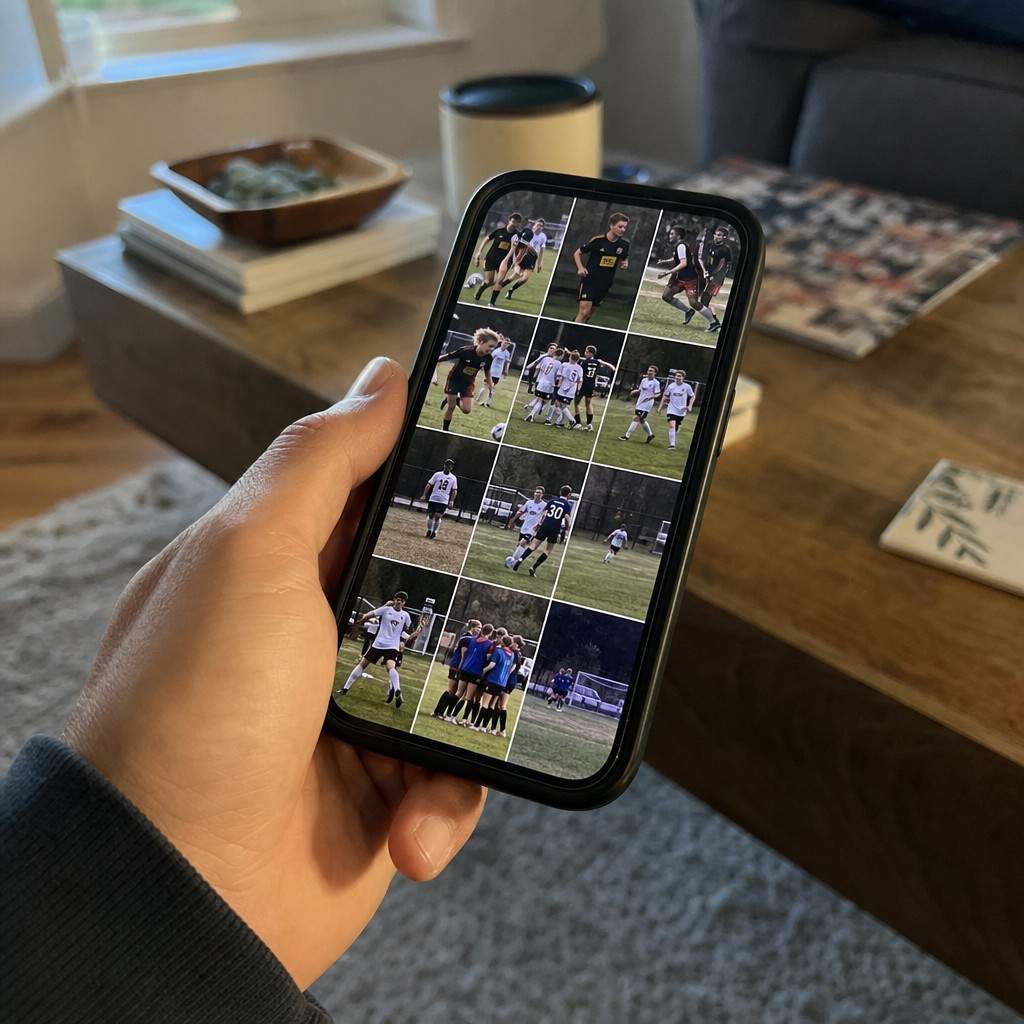
A modern phone or camera writes large files on purpose. A single game shot can be 5 to 12 megabytes.
That size is great for one thing and clumsy for another.
- Full size is what you want for prints and a photo book. Detail matters when an image goes on paper.
- Full size is a problem for sharing. Group chats choke on it, email bounces it, and a shared folder of originals fills up fast.
The trick is to keep the big originals safe and send smaller copies, never to shrink your only version.
Cull first, before you do anything else
Burst mode is a blessing during the game and a mess afterward. You came home with twenty near-identical frames of the same shot.
Delete ruthlessly, and do it the same day while you remember the play.
- Keep the one frame where focus is sharp and the moment is right.
- Toss the blurry, the half-blinked, and the duplicate burst frames.
- A hundred keepers from a season beats a thousand maybes nobody will ever scroll through.
Good culling also makes every later step faster, because you are working with the sharp shots you worked for instead of the whole memory card.
Resize and compress for sharing
For anything that lives on a screen, you do not need full resolution. A phone, a team website, or a social post shows a fraction of the pixels your camera captured.
Resize the long edge to about 2000 pixels and the file shrinks to a few hundred kilobytes, with no visible loss on a screen.
You do not need to buy anything to do it:
- On a phone: most photo apps let you export or share at a smaller size.
- On a computer: a free online image compressor handles a batch in one go.
- Aim for under 500 kilobytes per image for sharing. That is small enough to send and large enough to look good.
A folder of resized copies is what you hand around. The originals stay untouched.
Share with the team without clogging phones
Sending thirty separate attachments is how you annoy a team group chat.
Use one shared album link instead. A free shared album in Google Photos or iCloud holds the whole game in one place, and parents tap one link to see and save what they want.
- One link, not thirty attachments.
- Parents grab only the shots of their own kid.
- You can leave originals out of the album and offer them on request.
This is also the cleanest way to share with coaches and grandparents who are not in the team chat.
Keep the originals safe
Before you compress a single copy, back up the full-size files.
Storage is cheap and a lost season is not. Copy the originals to a cloud drive or an external drive, then work only on copies after that.
- Back up first, edit and shrink second.
- Never let the compressed share-copy become your only version.
A good camera and a sensible lens for kids’ sports earn their keep over years of games, and so do the photos they take, but only if you do not lose them.
Turn the best ones into something real
Files on a drive are easy to forget. The keepers deserve better.
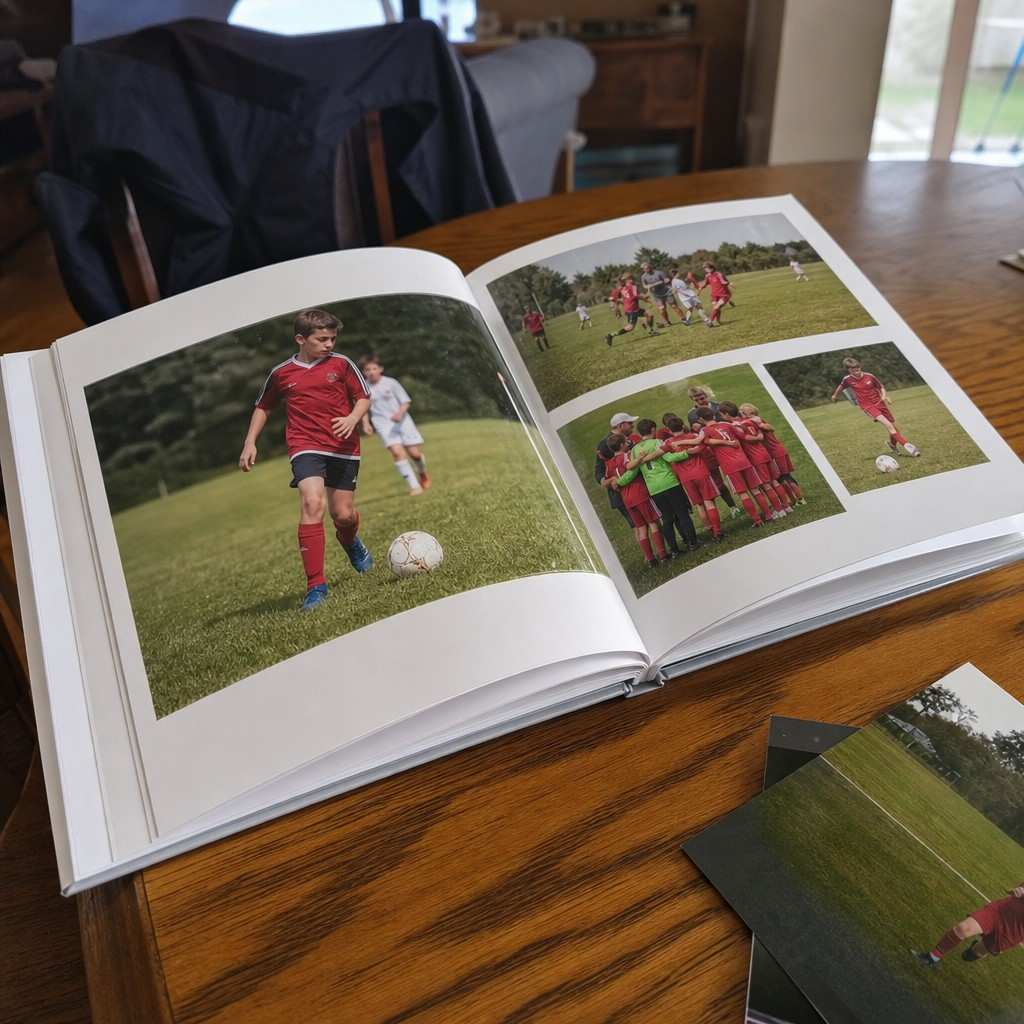
Pick the thirty best shots of the season and make a photo book or a set of prints. It is the one step that turns a folder nobody opens into something your kid actually keeps.
Shrink the rest, share them, back them up, and you are done until next season.