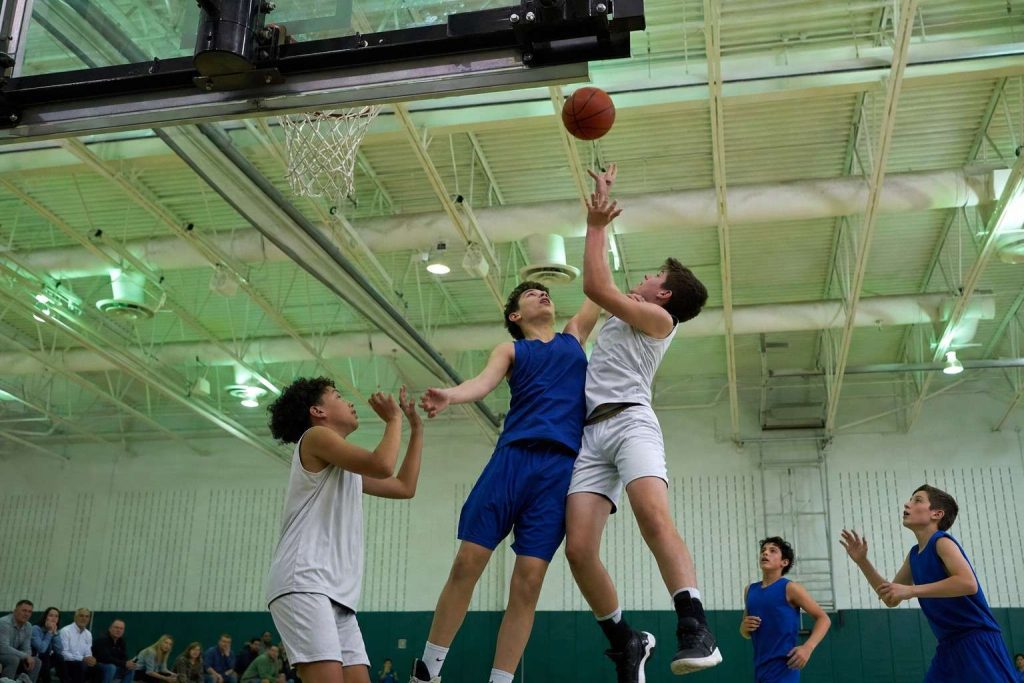
Your kid is mid-jump under the basket. You press the shutter, and the photo comes back dark, smeary, and soft.
It is the most common frustration in youth sports, and it is not your fault.
Blurry gym photos are almost always a shutter speed problem, not a camera problem. Indoor courts are far darker than your eyes think, and a camera left in auto tries to fix that darkness in the worst possible way for action: by slowing the shutter until the motion turns to mush.
The fix is to take control of three settings. Once you do, a dim gym becomes very workable, even with modest gear.
Why the gym is the hard part
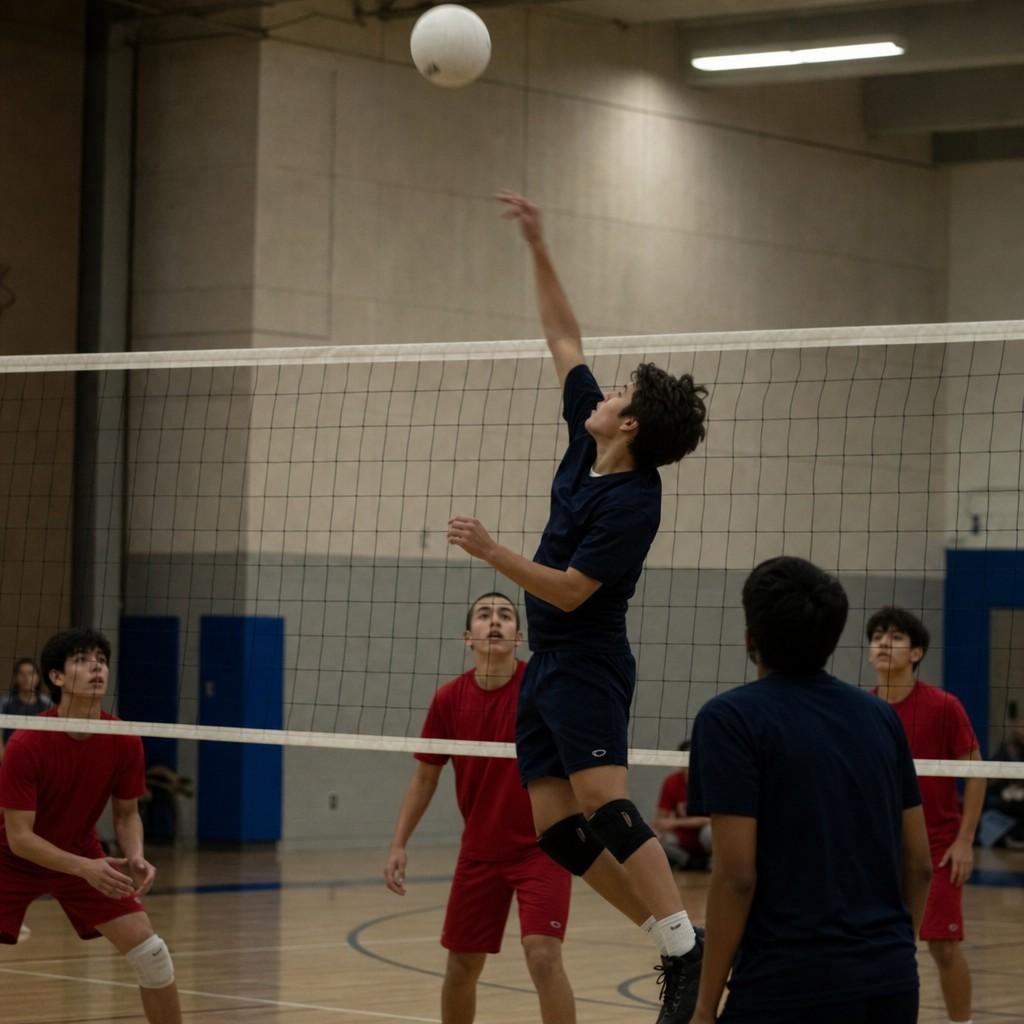
Your eyes adjust to gym light without you noticing. A camera does not.
A typical school gym is several times darker than an overcast afternoon outside. To get a bright photo in that light, the camera has to do one of three things: hold the shutter open longer, open the lens wider, or boost its sensitivity.
Auto mode almost always picks the one option that ruins action shots: a slow shutter. A shutter of 1/60 is fine for a posed team photo. For a layup, it is a blur machine.
The whole game indoors is buying back shutter speed from a room that does not want to give it to you.
Set a fast shutter speed first
Shutter speed is the single setting that decides whether motion is frozen or smeared.
For indoor sports, aim here:
- 1/500 second is the floor for basketball, volleyball, and wrestling.
- 1/800 or faster when you can get it, especially for fast breaks and spikes.
The easiest way to lock this in is shutter priority mode, marked S on most cameras or Tv on Canon. You pick the shutter speed, the camera handles the rest. Set it to 1/500 and leave it there for the whole game.
Raise your ISO, and stop being afraid of it
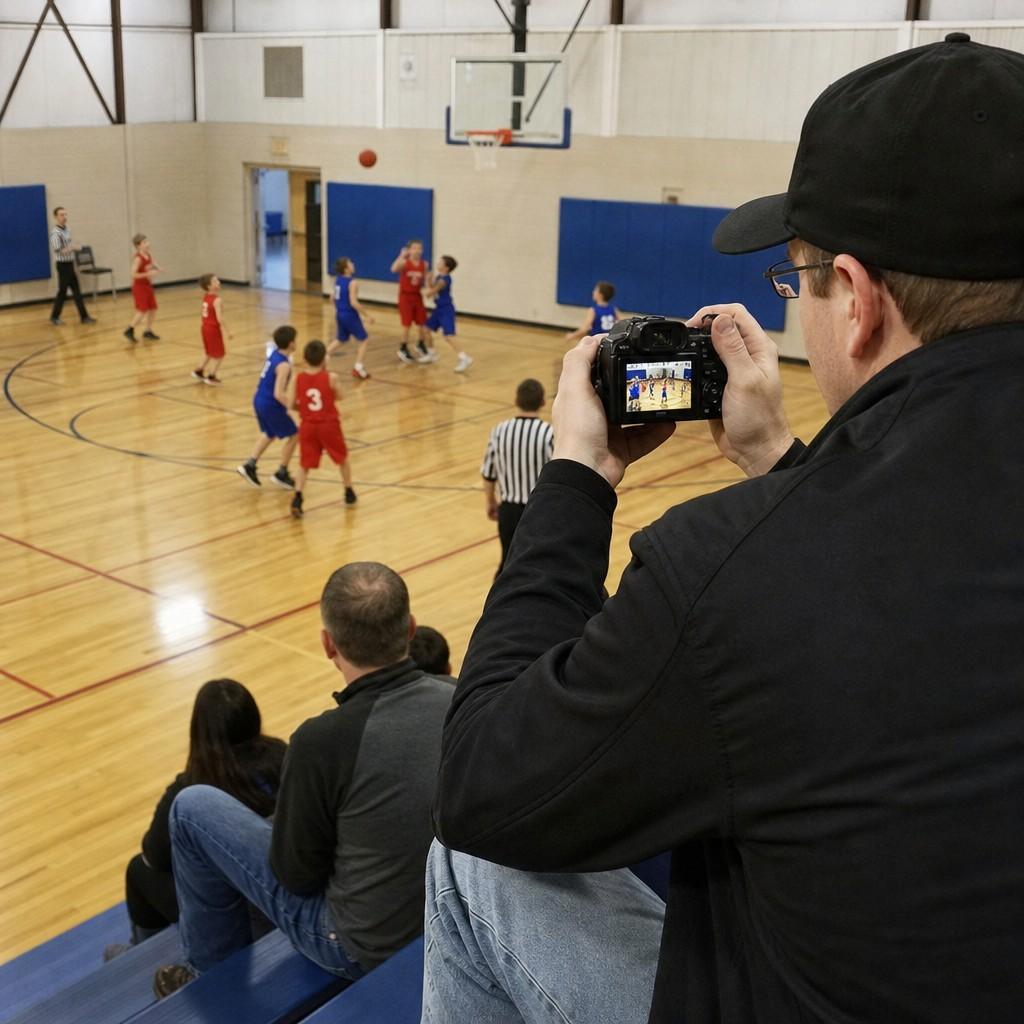
ISO controls how sensitive the camera is to light. Higher ISO means a brighter photo in a dark room, at the cost of some grain.
Here is the part most parents get backwards: they keep ISO low to avoid grain, and end up with blur instead. That is the wrong trade.
- Indoor gyms usually need ISO 3200 to 6400.
- A slightly grainy sharp photo is a keeper. A clean blurry one goes in the trash.
Grain shrinks when you size a photo down for a phone or a print. Blur never gets better. Push the ISO until the shutter holds at 1/500, and let the grain fall where it does.
Open the aperture as wide as it goes
Aperture is the size of the opening that lets light in, written as an f-number. A lower number means a wider opening and more light.
This is where the kit lens that came with your camera shows its limit. Most kit zooms only reach f/5.6 once you zoom in, which is not much light for a dark gym.
- Set your aperture to the lowest number the lens allows.
- If photos are still dark at 1/500 and ISO 6400, the glass is the bottleneck.
A lens that opens to f/2.8 or f/1.8 gathers far more light, which is the difference between fighting the gym and ignoring it. None of these settings can invent light a lens will not pass, so if you are maxed out and still dark, the upgrade that changes the most is the camera and lens you use for kids’ sports, not a new body.
Leave the flash off
Two reasons, and both matter.
Most gyms and leagues ban flash during play, because it distracts the athletes. That alone settles it at a lot of venues.
Even where it is allowed, the small pop-up flash on a camera or phone reaches about ten feet and then quits. It lights the back of one player’s head and nothing else on the court. Turn it off and lean on shutter speed, ISO, and aperture instead.
Where to stand and how to shoot
Settings get you a sharp frame. Position gets you a good one.
- Shoot from the baseline, near the basket or the net. That is where the play turns toward you and faces show up.
- Fill the frame. Zoom in or move closer so your kid is the photo, not a small figure in a wide empty court.
- Hold the shutter down in bursts. A jump shot lasts a fraction of a second, and burst mode catches the peak you could never time by hand.
- Set focus to continuous (AF-C, or AI Servo on Canon) so the camera keeps tracking a moving player instead of locking once.
You keep the one good frame and delete the rest. That is normal, even for people who do this for a living.
If you are shooting on a phone
A phone can do more than parents expect indoors, within limits.
- Tap and hold on your kid to lock focus and exposure before the play starts.
- Use burst mode by holding the shutter button, then pick the sharp frame.
- Get as close as the seating allows, because phone zoom indoors turns grainy fast.
Accept that a phone will struggle with a full-speed fast break in a dark gym. That is a physics limit, not a skill failure. For the same kid playing outdoor sports in daylight, a phone does far better.
The five-second setup
Before the next game, set this and forget it:
- Mode: shutter priority (S or Tv)
- Shutter: 1/500, faster if the room allows
- ISO: auto, or 3200 to 6400 by hand
- Aperture: the lowest f-number your lens has
- Flash off. Focus continuous. Drive set to burst.
Walk in, sit near the baseline, and shoot. The dark gym stops being the thing that beats you.