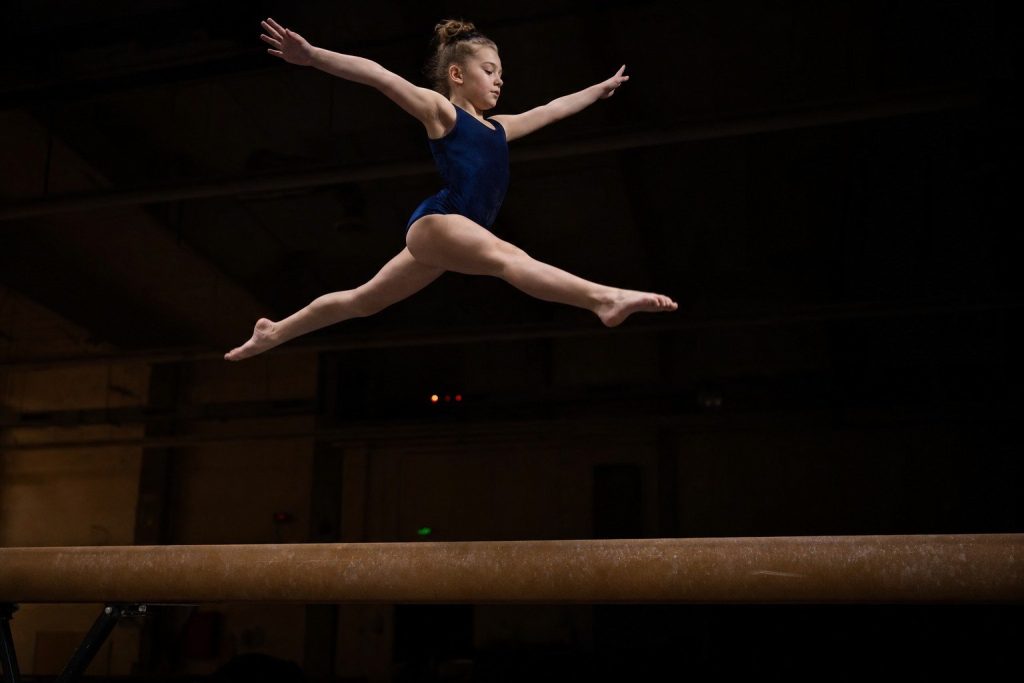
A school gym for a basketball game is dim. A gymnastics meet or a dance recital is a different level of dark.
The rules about flash are stricter, too.
That combination stops a lot of parents from getting anything worth keeping.
The fix is the same one that works for any dark gym, pushed further: higher ISO, a fast shutter set to the right number, and an understanding of how the venue’s light actually works. No flash required, or allowed.
Why no flash, firmly
This is not a polite suggestion.
Flash is banned at most gymnastics meets and recitals, and the reason is safety, not inconvenience. A gymnast on the beam or mid-vault needs full concentration. A burst of light at the wrong moment is a real distraction and a genuine risk.
Even at a casual recital where a venue does not post a rule, a flash pop distracts a child mid-routine. That is reason enough to leave it off.
Turn off the phone flash before you walk in and leave it off.
This one is not negotiable.
The shutter speed for gymnastics
The same shutter-speed logic from dark-gym sports photography applies here, but the shapes are different.
A gymnast in the air moves fast. A dancer in a held pose or a slow turn moves slower. Set shutter priority mode (S or Tv) and dial in 1/500 before the routine starts.
- 1/500 to 1/640 second freezes the peak of a leap, a vault, or a jump turn.
- Burst into the peak moment, not after it. The brief near-stillness at the top of a jump is when the frame is sharpest.
For slower movements, you can let the shutter drop toward 1/250 to show a sense of motion.
For anything airborne, 1/500 is the safe floor.
A gymnastics gym is darker than it looks
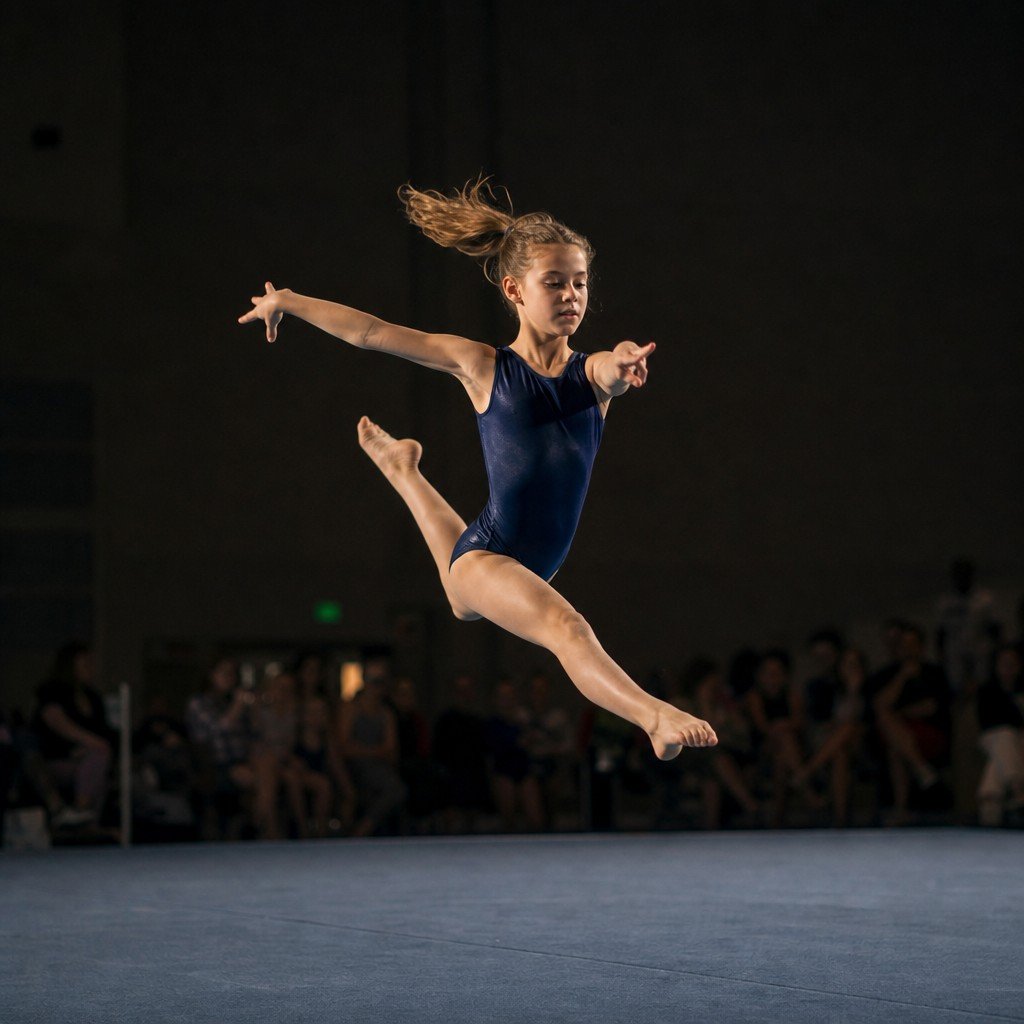
These rooms are genuinely dim, whether it is a school gymnasium or a black-box recital hall.
ISO 3200 to 6400 is normal for this environment. Accept the grain.
A grainy sharp frame of your kid mid-leap is a photo. A clean blurry one is not.
The same trade-off that applies to any indoor dark-room sport like swimming photography applies here: blur is worse than grain, and grain gets smaller when you print or post the image. Push the ISO until the shutter holds where it needs to be.
Stage spotlights and recital lighting
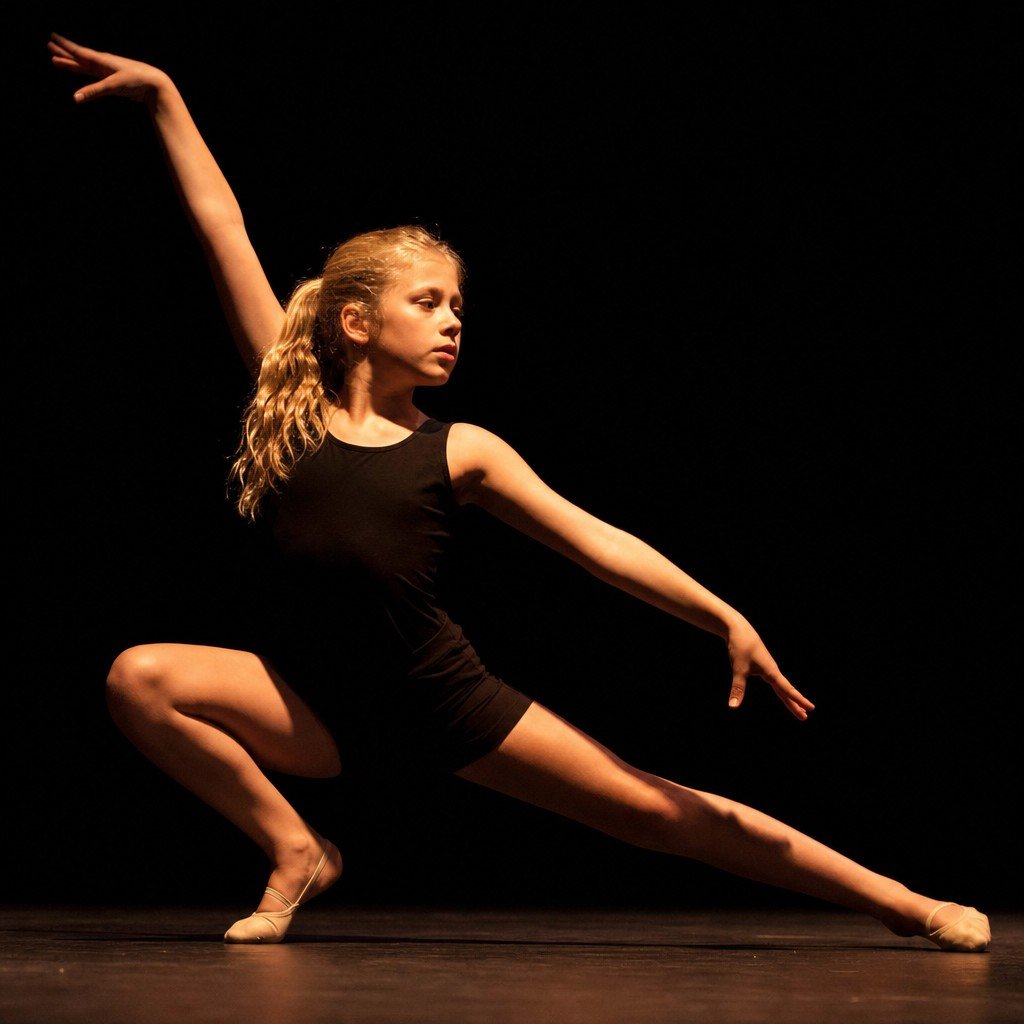
Dance recitals add a twist that gymnastics meets usually do not: stage spotlights on a dark background.
A single lit performer against a black stage fools your camera’s auto exposure. The meter sees mostly dark and decides to overexpose, blowing out the performer’s costume and face.
A lit dancer on a dark stage reads as a whole scene to your camera’s meter, but it is not. Expose for the lit subject.
The practical fix depends on your device:
- Camera: use spot metering or exposure compensation (dial it down a stop or two) so the exposure locks on the performer, not the dark void behind them.
- Phone: tap and hold directly on the performer’s lit face or torso to lock both focus and exposure. Let the dark background go dark. That dark background is not a problem; it is the look.
A lit subject on a dark stage can produce some of the best photos from the whole season.
The background drops away and the performer stands out cleanly. Work with it.
Where to stand
Position matters as much as settings, and the best spot is simpler than it sounds.
Stand square to the apparatus or the stage, not at a steep angle off to one side. A steep angle gives you a profile or the back of the head. Square gives you the face and the full line of the body during a skill.
- At a gymnastics meet, aim to be level with or slightly above the apparatus so you are not always shooting upward into the ceiling lights.
- At a recital, sit or stand where you have a clear sight line to centre stage with no heads in the frame.
Fill the frame. Zoom in or, if the venue allows, move closer so the performer is the photo, not a small figure in a large, dark room. The right camera and lens for this kind of shooting matters more in these venues than at a bright outdoor field.
Timing the peak
Most gymnastics skills have a brief moment of near-stillness at the top. The peak of a leap before gravity takes over. The held landing pose. The split jump at maximum extension.
That near-still moment is when the sharpest frame happens. The challenge is that it lasts a fraction of a second.
Burst mode is the answer. Hold the shutter down through the skill and keep the frame where the movement is clearest. Delete the rest.
Track the performer with continuous autofocus so the camera keeps updating focus as they move rather than locking once and drifting. On most cameras this is AF-C; on Canon it is AI Servo.
For landing poses, you can anticipate the hold and tap the shutter once.
For anything in the air, burst and sort later.
Phone tips for gymnastics and recitals
A phone can do useful work here if you set it up for the light.
- Tap and hold on the performer before the skill begins to lock both focus and exposure.
- Use burst mode. Hold down the shutter button through the jump or tumbling pass, then pick the sharpest frame.
- Do not use the flash. On an iPhone or Android, the flash defaults to auto; switch it to off before the routine starts.
- Get as close as seating allows. Phone zoom in a dark room produces noisy, soft results. Your own feet get you better photos than digital zoom.
Phones struggle more in this environment than at an outdoor soccer game. That is the physics of a small lens in low light. Work with what you have, get close, and lock exposure on the performer.
Your before-the-routine setup
Set these before the event starts so you are not adjusting when your kid walks on.
- Flash: off
- Focus mode: continuous (AF-C or AI Servo)
- Drive: burst
- Shutter speed: 1/500 to 1/640 (shutter priority, S or Tv on most cameras)
- ISO: 3200 to 6400, or auto with the ceiling set to 6400
- Phone: tap and hold to lock exposure on a lit performer; flash off; burst on
The dark room and the strict flash rule are the two things that catch parents off guard at these events. Get the settings right first, and the performance itself gives you better photo opportunities than most sports do — held poses, clean lines, and a lit subject against a dark background that the camera can actually work with.