A swim meet feels like it should be easy to photograph. The action is contained. The lanes are numbered. You know exactly where your kid will be.
Then the photos come back green, blurry, and showing the back of a swim cap.
A natatorium is closer to a dark gym than to an outdoor field. The same approach that fixes gym basketball applies here, with a few adjustments specific to water.
If you have already worked through shooting indoor sports in a dim gym, most of the logic transfers directly.
Why pools are hard to shoot
The light in a typical indoor pool is dim and often color-shifted. Fluorescent fixtures over a reflective water surface bounce light everywhere, which sounds like it should help.
It does not.
The room looks bright to your eyes, but the camera sees far less usable light than it needs for fast action.
The water itself bounces glare back at your lens. Shooting straight down the lane into that reflected light washes out faces and flattens contrast.
Humidity fogs cold lenses. Most of the action happens underwater or at extreme angles. It adds up to one of the harder environments for sideline shooting.
Flash is off. Full stop.
At the start blocks, a flash can distract or startle a swimmer mid-dive. Many meets ban it outright at the start of every race.
Even where it is not banned, the flash cannot do the job. A built-in flash reaches roughly ten feet. An Olympic-size pool is fifty meters long.
The flash lights the parent in front of you and nothing else.
Turn flash off before you walk in, and leave it off. The exposure comes from shutter speed, ISO, and aperture.
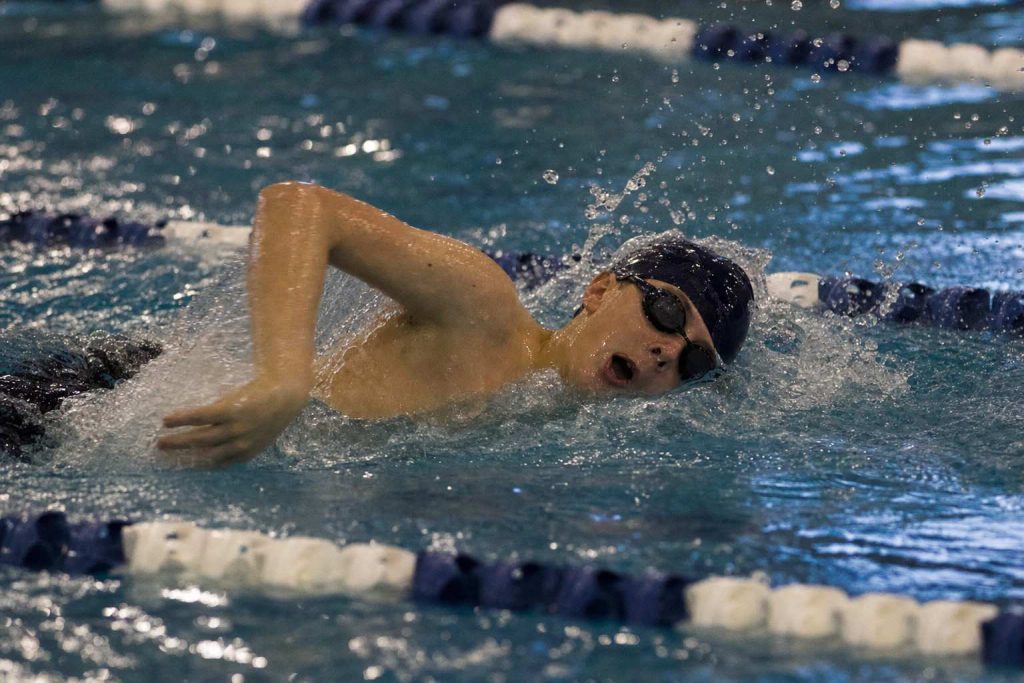
A fast shutter freezes the arm and the splash
Freestyle arms move fast. The water thrown at the turn moves faster.
- 1/640 second is the target for stopping the arm stroke and the splash cleanly.
- 1/500 second is the floor for slower moments, like the start or a turn.
Set shutter priority mode (marked S on most cameras, Tv on Canon), dial in 1/640, and let the camera handle the rest.
If the photo comes back too dark, the next setting is where to go. Not a slower shutter.
A motion blur in a swim photo is not recoverable. A slightly underexposed sharp photo can be brightened in editing. Push the shutter and fix the exposure elsewhere.
Natatoriums are dim rooms
Most indoor pools need ISO 3200 to 6400 to support a fast shutter in available light.
That is the same range as a school gym. The same principle applies: a grainy sharp photo keeps, a soft blurry one does not.
Set ISO to auto and let it climb, or dial it in manually at 3200 and adjust from there.
The grain at ISO 6400 is visible on a big monitor. It is invisible on a phone screen or a 4×6 print.
If photos are still underexposed at 1/640 and ISO 6400, the lens aperture is the bottleneck. A lens that opens to f/2.8 passes far more light than a kit zoom at f/5.6. That is where a camera and lens set up for kids’ sports makes the biggest practical difference in a pool room.
Cut the glare by shooting at an angle
The cleanest frames do not come from shooting straight down the lane.
Angle yourself slightly to the lane rather than pointing straight along it. That small shift cuts most of the surface glare that kills contrast and blows out faces. You lose a little reach but gain a readable photo.
The water is the light source your lens is fighting. Angle away from the reflection and the face comes back.
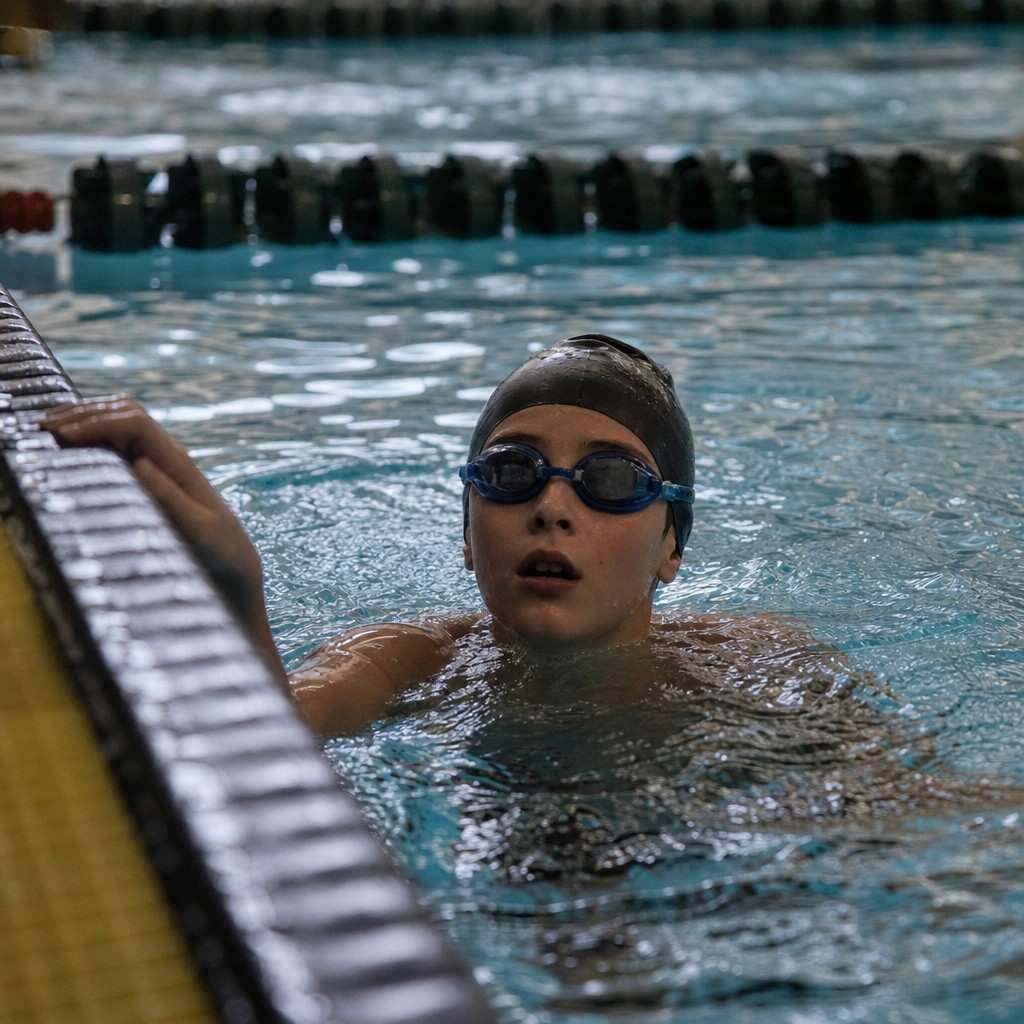
A moment when the swimmer lifts the head to breathe is the highest-percentage keeper.
That breathing turn is brief, repeatable, and shows a clear face. Anticipate it and the camera does the rest.
Where to stand and when to shoot
Mid-pool gives you backs, arms, and a lot of churned water. The action that reads well in a photo happens at the walls.
The three best moments at any swim meet:
- The start off the blocks. Position yourself at the end of the lane, low and close to the water line, and shoot the dive into the pool.
- The turn. The swimmer flips, touches, and pushes. It is fast and close to the wall, which is where you want to be.
- The finish. The final touch, the first look up, and the reaction. Often the clearest face you will get all race.
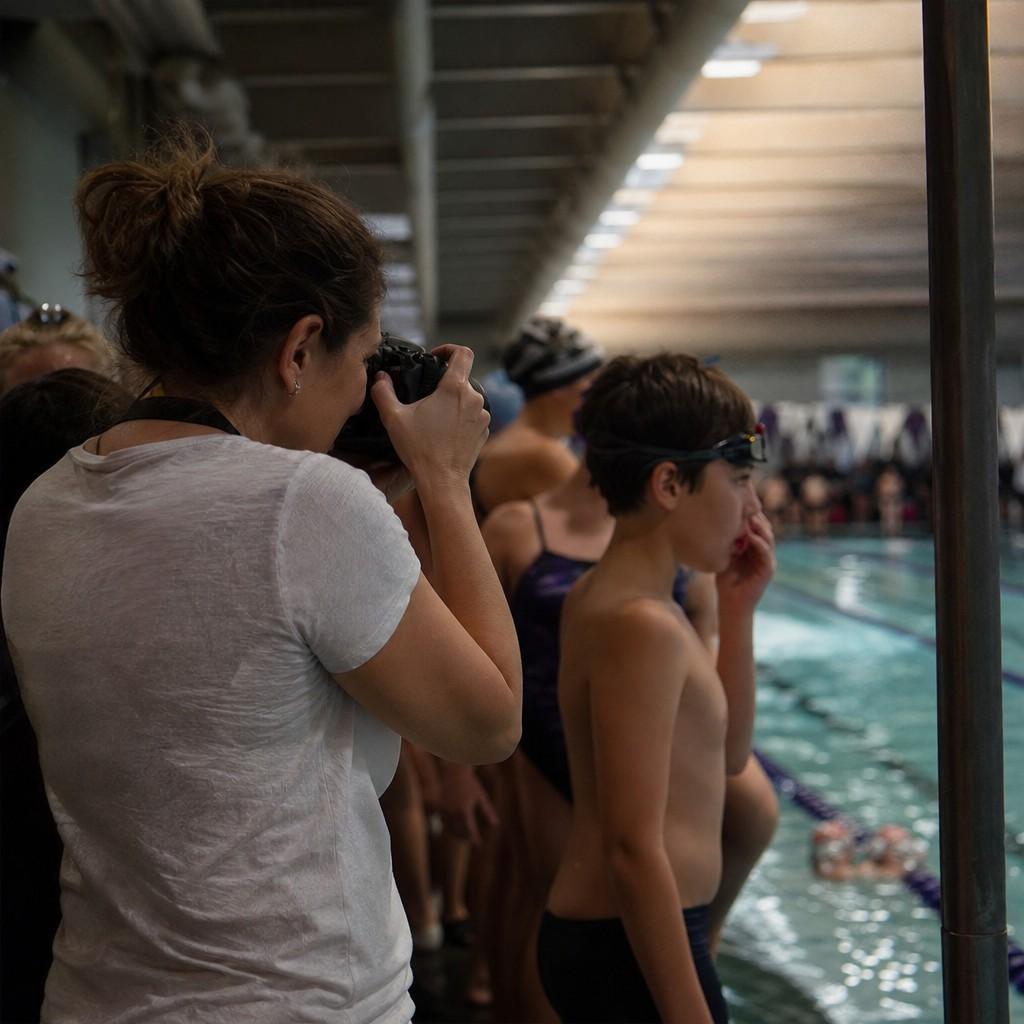
Plant yourself near the end of your swimmer’s lane before the race starts. At a big meet, that spot fills up fast.
Once you have it, stay there for the whole heat.
Continuous focus and burst
A swimmer coming into the wall is moving, partially submerged, and changing direction. Single-shot focus locks once and then loses the target.
Set your camera to continuous autofocus (AF-C on most cameras, AI Servo on Canon). The camera keeps tracking a moving swimmer as the frame changes without you re-acquiring focus between strokes.
Hold the shutter down through the whole turn or finish sequence.
Burst mode fires a run of frames and you pull the one where the face clears the water and the timing is right.
- Hold burst through the turn and the first stroke off the wall.
- Hold burst through the final stroke into the finish.
Delete ninety percent.
The one frame where everything lines up is in that burst.
Your lens fogs. Prepare for it.
A cold camera walked into a warm, humid pool room fogs immediately. The lens surface clouds over, and the next few minutes of photos are soft.
Bring the camera inside early and let it sit without a cap for ten minutes before the first race. The lens matches the room temperature and stays clear.
Carry a clean microfiber cloth. Wipe the front element before each race if condensation comes back.
Most parents skip this the first meet. Do it once and you will not skip it again.
White balance and the green pool look
Indoor pool lighting often casts a blue or green tint. Auto white balance handles it most of the time, but not always.
If your photos come back with a strong color cast, set white balance to the fluorescent or tungsten preset in your camera’s menu. That is faster than correcting every photo afterward.
On a phone, the warmth slider in editing fixes most pool color in a few seconds.
Phone tips for the pool
A phone at a swim meet is harder than in most youth sports settings, but workable.
Tap and hold on the lane to lock focus and exposure before the race reaches the wall.
Do not let the phone try to re-acquire focus on moving water.
- Burst the finish: hold the shutter through the last stroke and the touch.
- Get close to the wall. Distance and digital zoom do not combine well in a dim pool room.
- Expect some frames to be soft. Pick the sharpest one, crop to the face, and do not judge the phone harshly for physics it cannot beat.
The phone performs best at the start and finish. Close range, brief pause, recognizable face.
Your before-the-meet setup
Set these before the first race and you will not be making changes poolside:
- Flash: off
- Mode: shutter priority (S or Tv)
- Shutter: 1/640, or 1/500 if the pool is very well lit
- ISO: auto, or 3200 to 6400 manual
- Aperture: the lowest f-number your lens allows
- Focus mode: continuous (AF-C or AI Servo)
- Drive: burst
- Position: end of your swimmer’s lane, near the finish wall
- White balance: check one test frame after the start; adjust if the color is off
- Bring a cloth and arrive early so the lens acclimates to the room
Swim meets reward the parent who is already in position. The action at the wall is brief, predictable, and repeatable across every heat. Get there first, set the camera before the race, and shoot through the finish.